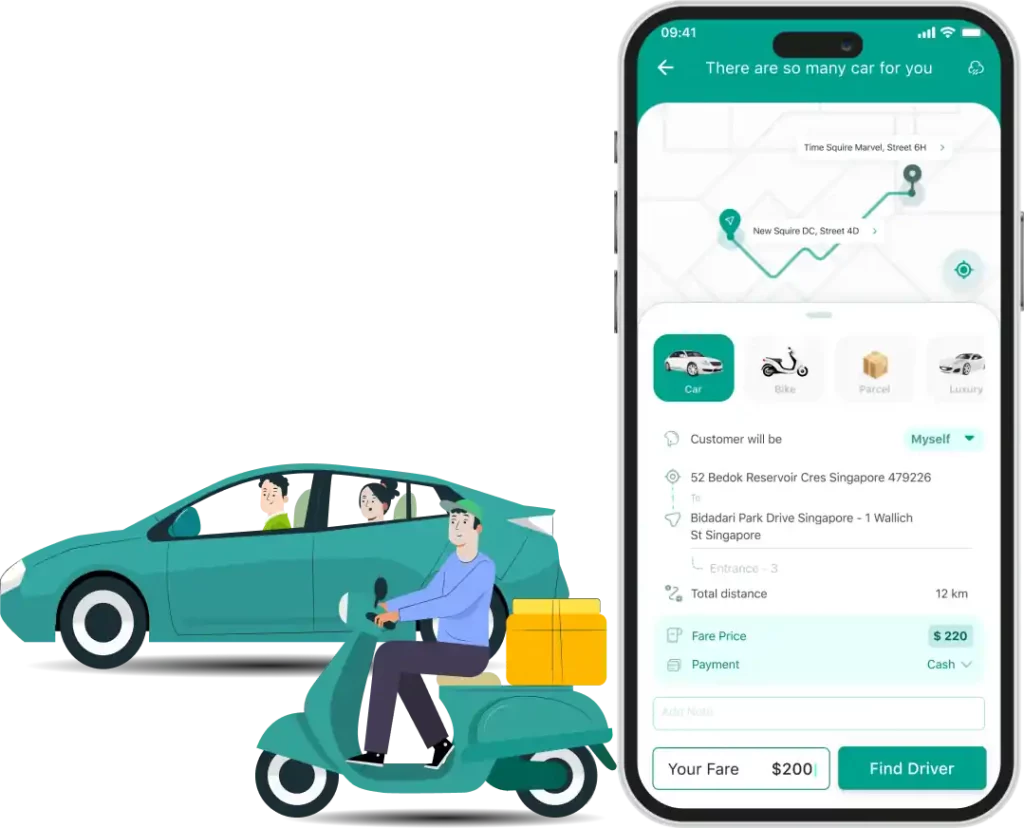
Effortlessly manage rides, deliveries and users with our powerful ride sharing and parcel delivery admin panel.

To establish your ride sharing business, begin with fundamental setups like business information, technical setup, zone setup, etc.
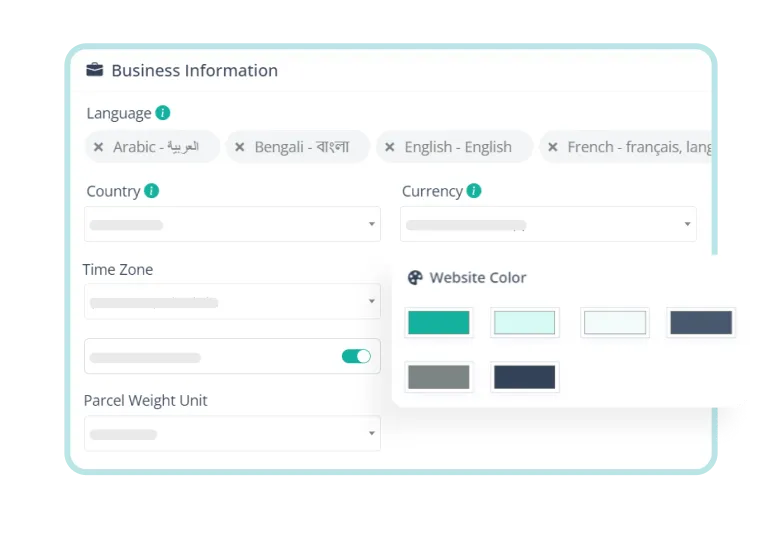
Add multiple languages, edit landing page contents, and input social media details for successful business promotion.
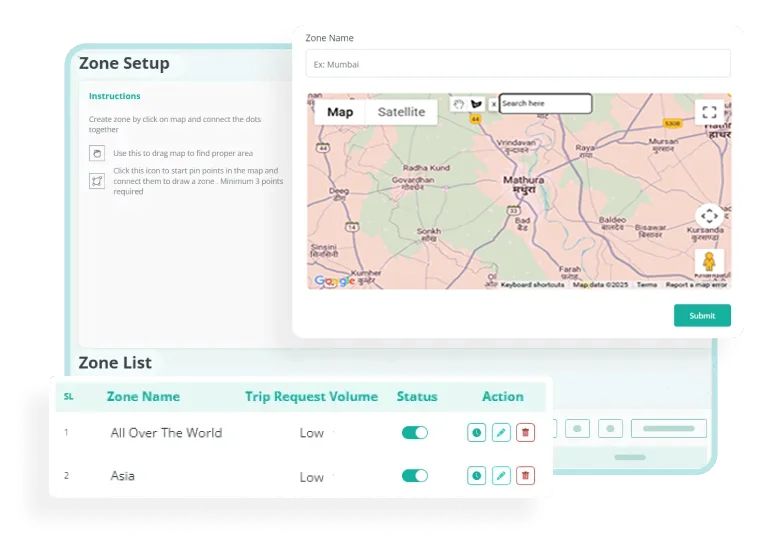
Pinpoint the territory of your business from the zone setup section and give a name to the zone.
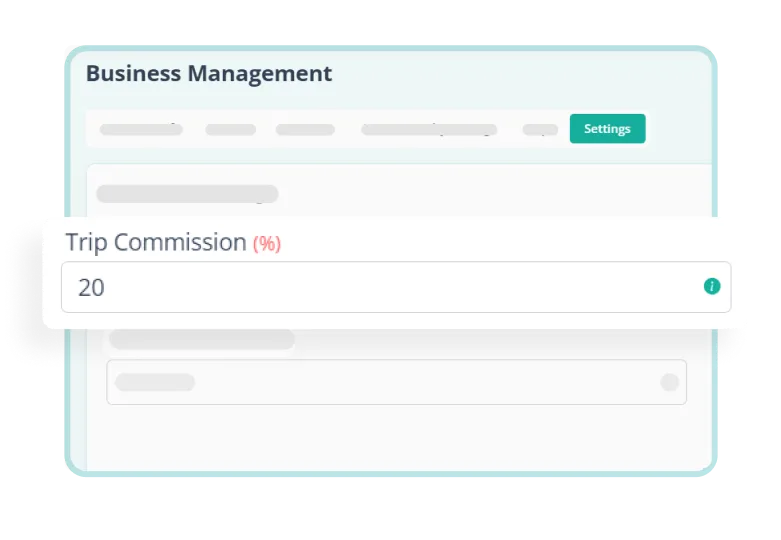
Earn from every trip by setting up the commission in percentage and excel as an entrepreneur.

Charge customers after a specific time by setting up idle fee and delay fee for your ride sharing software solution.
Add, edit, and manage drivers and setup driver level details from the Rydo admin panel.
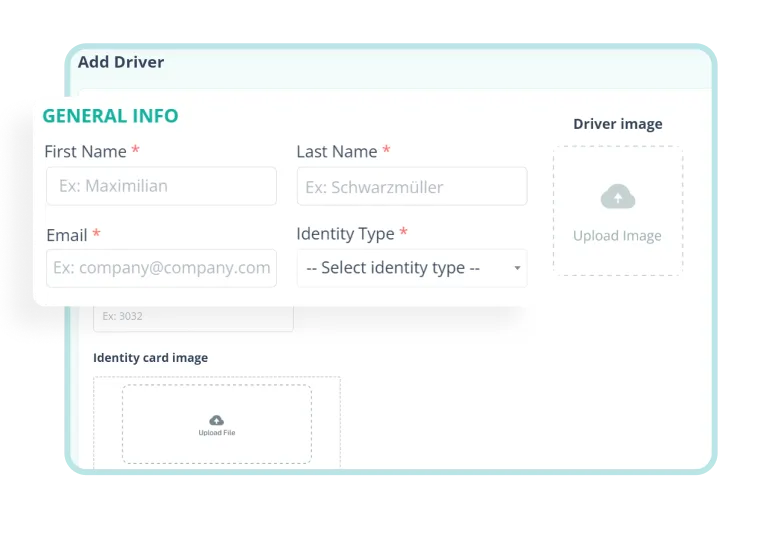
Onboard new drivers easily by providing detailed information and uploading docs so they can start sharing rides.
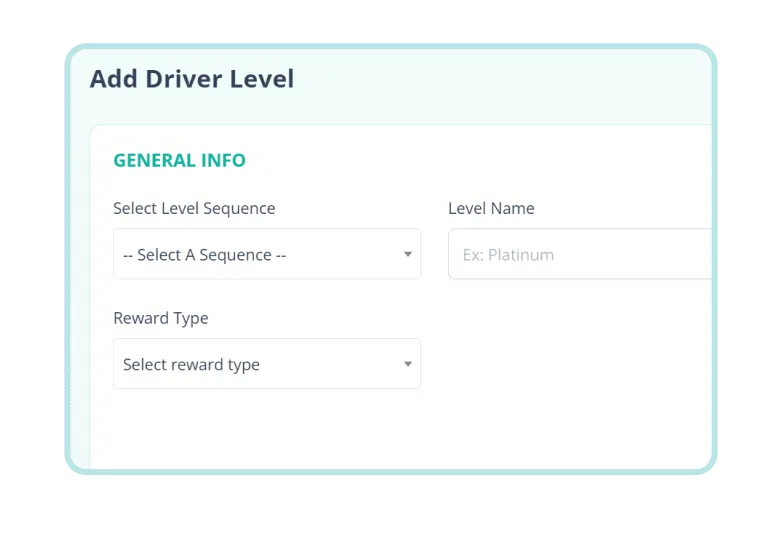
Set up driver levels to enable loyalty points & let your drivers enjoy other perks by fulfilling pre-defined targets and earning points.
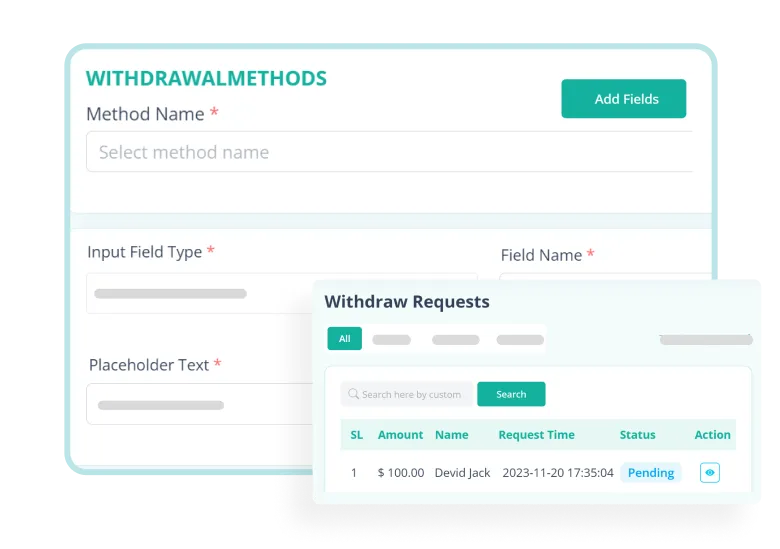
Add method details, view methods list, and withdraw requests to smoothen the transaction process between you and the drivers.
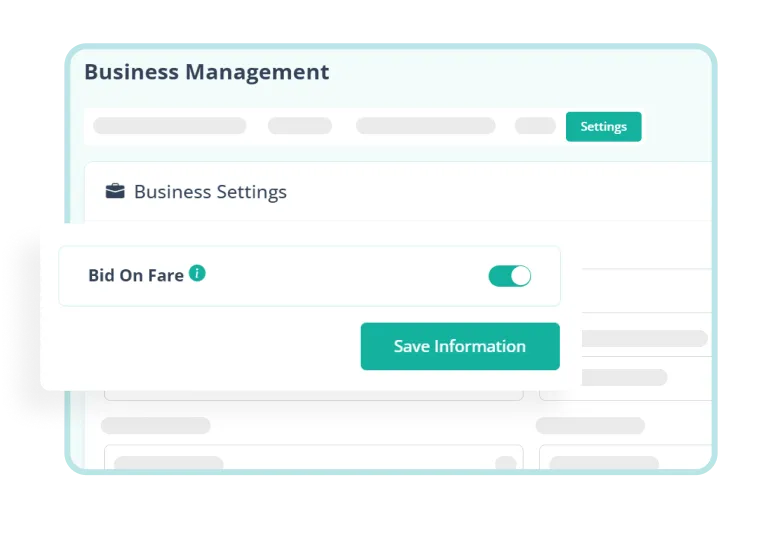
Allow drivers to bid for a custom fare during a trip request. This allows drivers to choose the right trip independently.
Set up vehicle attributes and add new vehicles to seamlessly manage trips for your ride sharing business.
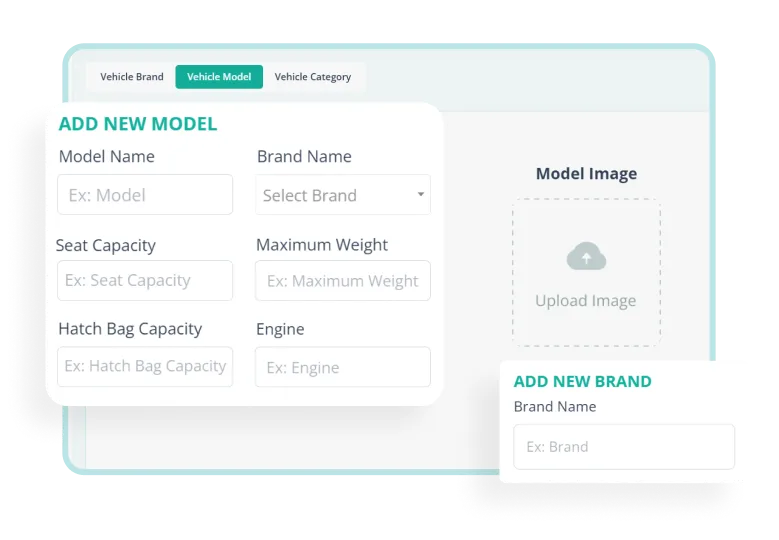
Add vehicle attribute details like brand, model and category to distinguish & track easily.
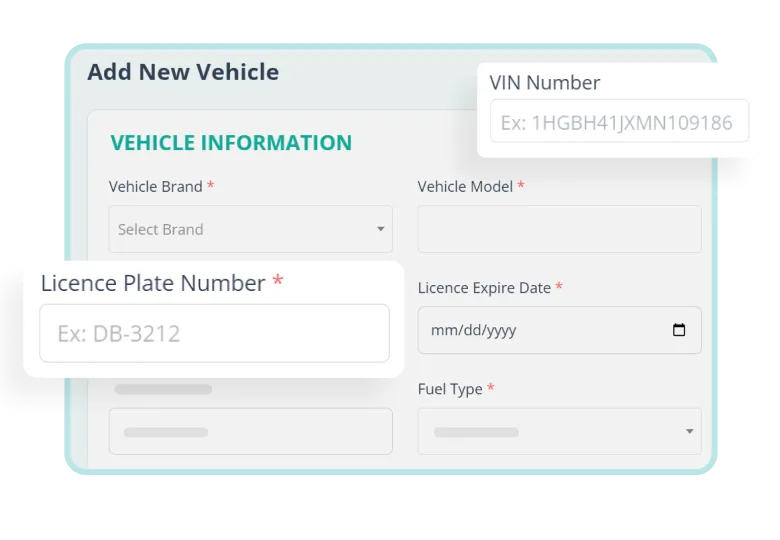
Input necessary information like license, VIIN no., and assign a driver for a particular vehicle from this section.

Get a detailed view of the vehicle list with action buttons like changing status, editing details & deleting information.
Define zone-wise trip fares and set up trip rules from the ‘Setup Trip’ section of the Rydo Admin Panel.
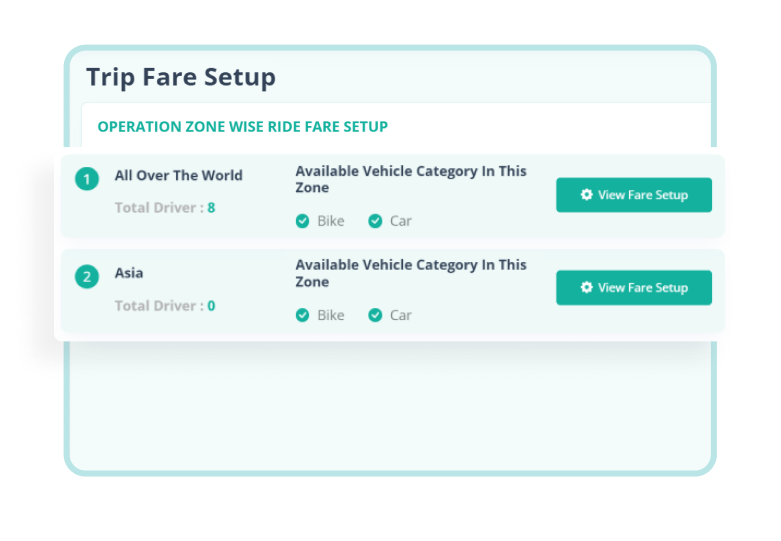
Set particular fares based on your operation zones and vehicle categories. Add base fare, delay fee, fare per km, etc from here.
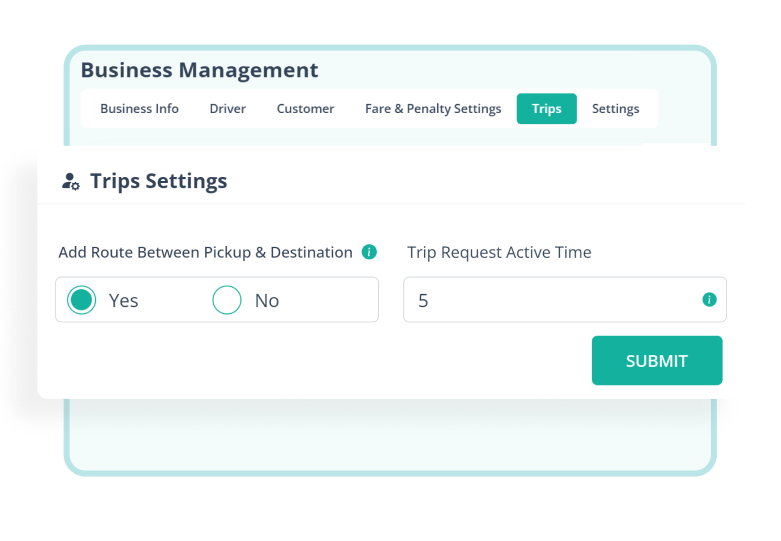
Give customers permission to add routes between pickup & destination as well as set trip request active time.
Set parcel categories, weights and fares easily to manage parcel deliveries from the admin panel.
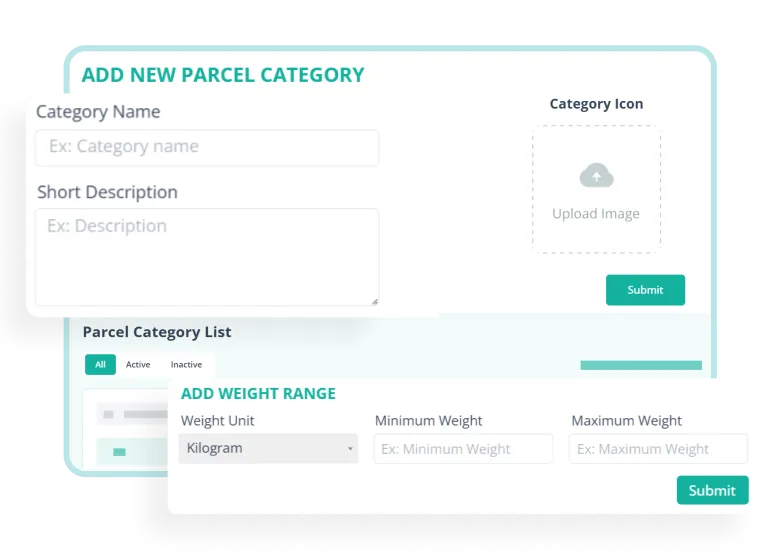
Add parcel category details with weight units and minimum & maximum weight ranges to identify parcels better.

Customise fare settings based on operational zones, parcel categories, and different weights by adding base fare.
Add employees, assign roles, give module access, and manage your ride sharing app admin panel hassle-free.
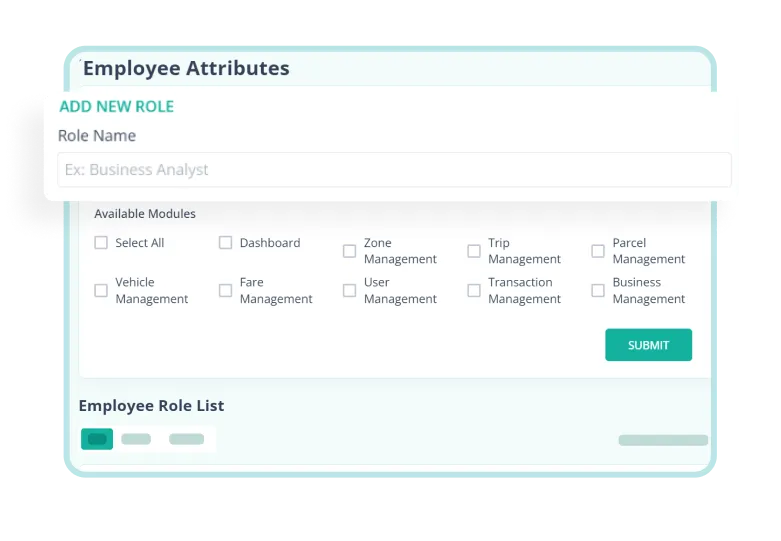
Create employee roles, select modules so they can access, view role details, and edit permissions for each role from here.
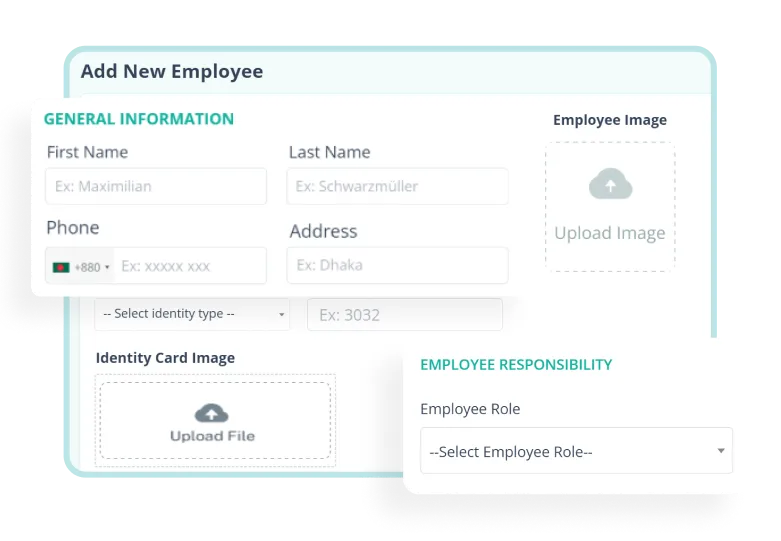
Provide employee details, mention employee responsibility and set up account information seamlessly from here.

Get a detailed employee list to change status, update information, edit module access, and delete employees.
As an admin of ride sharing solutions, you can manually set customers' information & add reward points (add levels) to retain customer loyalty.
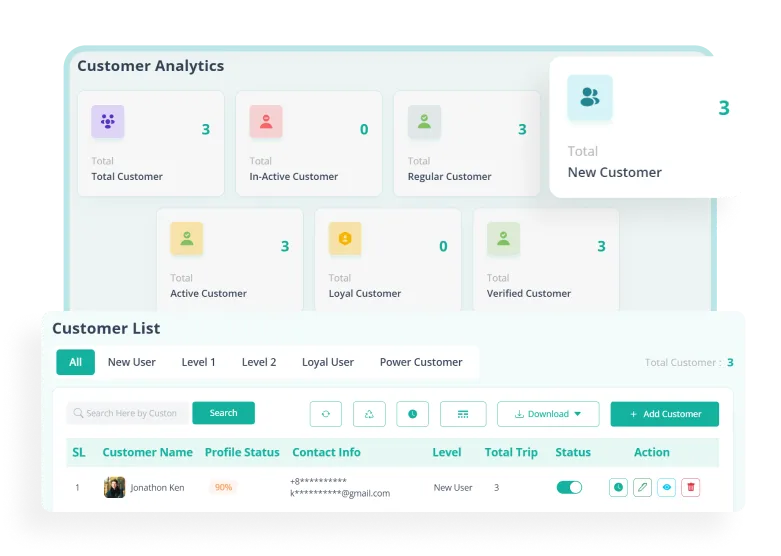
Manage, add, edit, and change status & get a detailed customer analytics dashboard from ride sharing app admin panel.
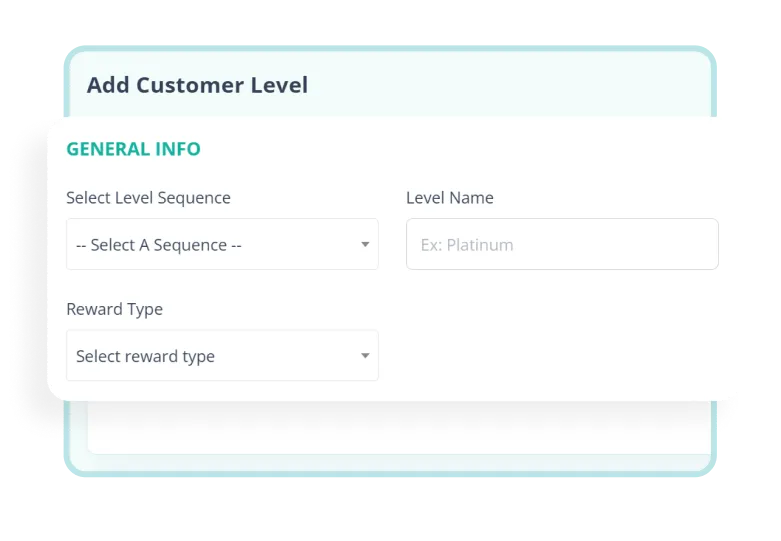
Set up customer levels to enable loyalty points and let your customers enjoy incentives after fulfilling pre-defined targets & earning points.
Grow your business with active and loyal customers and drivers through promotional activities, loyalty programs, and incentives.

Attract and retain customers with promotional banners and discount coupons so they can keep returning to your service.
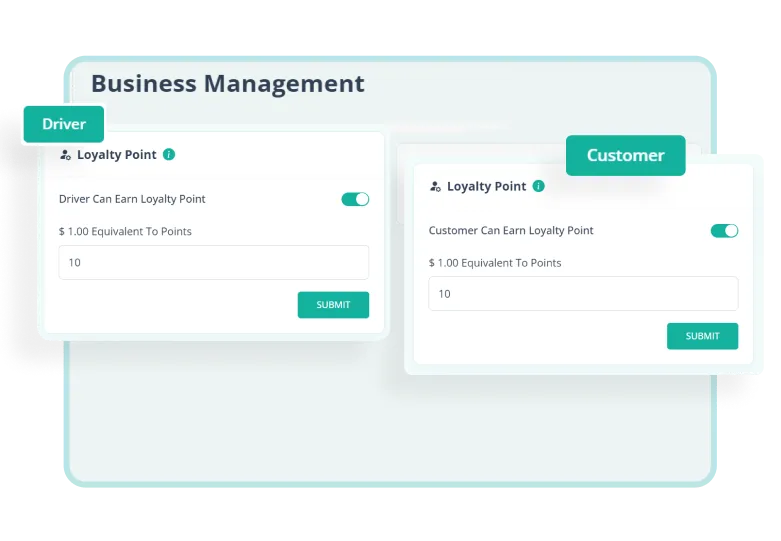
Show appreciation to both drivers & customers by rewarding them with loyalty points and wallet bonuses.

Create an authentic space for sharing experiences by activating the review and rating system for both drivers and customers.

Elevate user interaction with live chat, push notifications & integrate third-party services for a tailored experience.
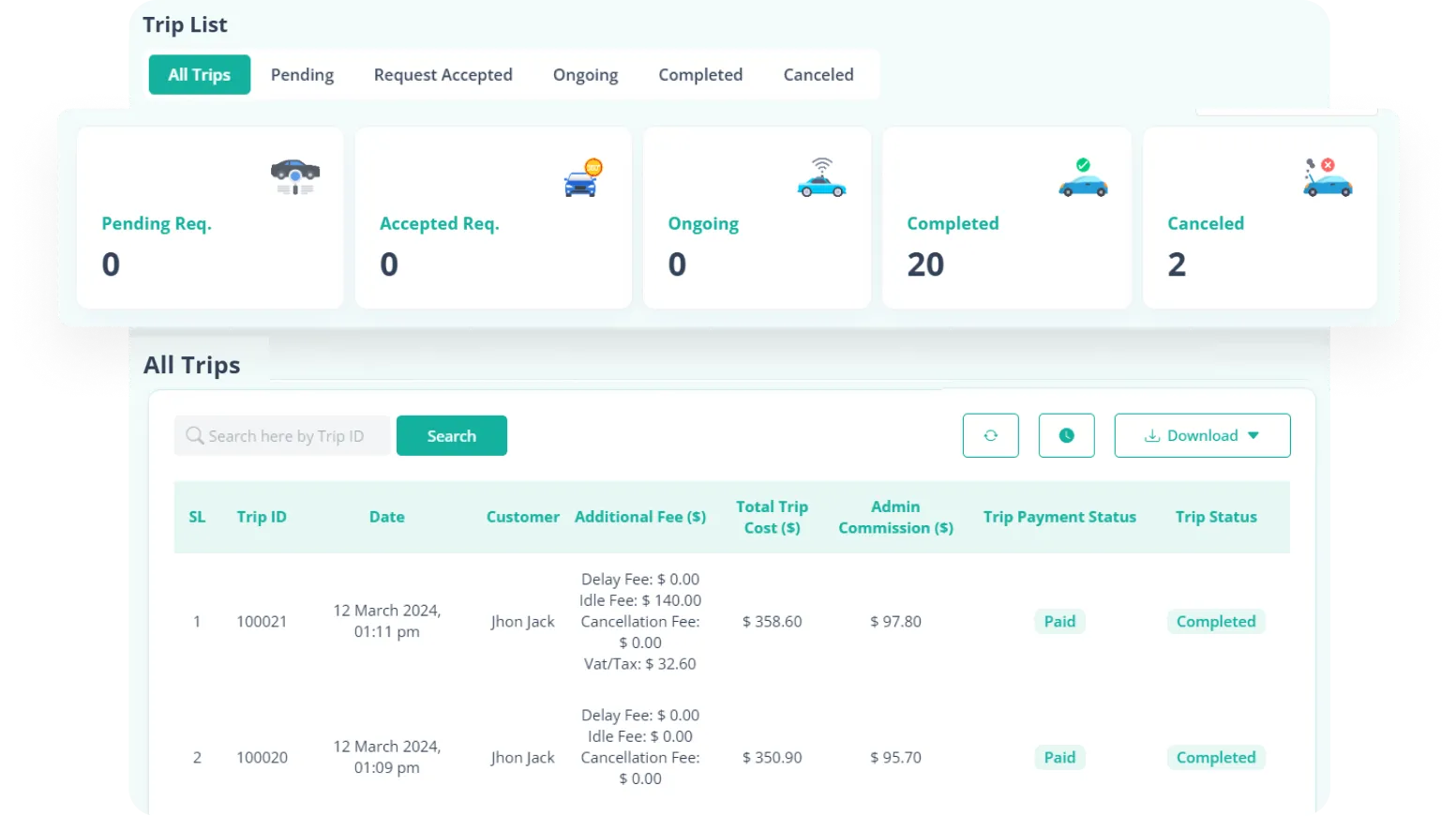
Track real-time trip activities & detailed fares effortlessly with the trip management section from ride sharing app admin panel.

Rydo is a complete Ride Sharing and Parcel Delivery Management Software Solution which is perfect for entrepreneurs and software developers. Because its PHP script is easy to understand, install, and the Flutter Apps are available on both Android & iOS.
A parcel delivery app admin panel feature consists of a dashboard, zone management, live tracking, user management, promotion management, adding & updating parcel attributes, fare setup, transaction management, push notification & 3rd party settings.
Yes, Rydo's ride sharing app admin panel provides real-time zone-wise trip statistics and reports for easy access.
The Rydo ride sharing and parcel delivery app admin panel is developed using Laravel Framework.
Parcel delivery software helps people to send and receive packages by organizing, tracking and making sure the package gets to the right place safely and on time. It automates the total parcel delivery process efficiently.